The business engine for client work, from sales to delivery to billing.
Every lead, project, and invoice in one connected flow, so nothing slips between the deal and the deposit.
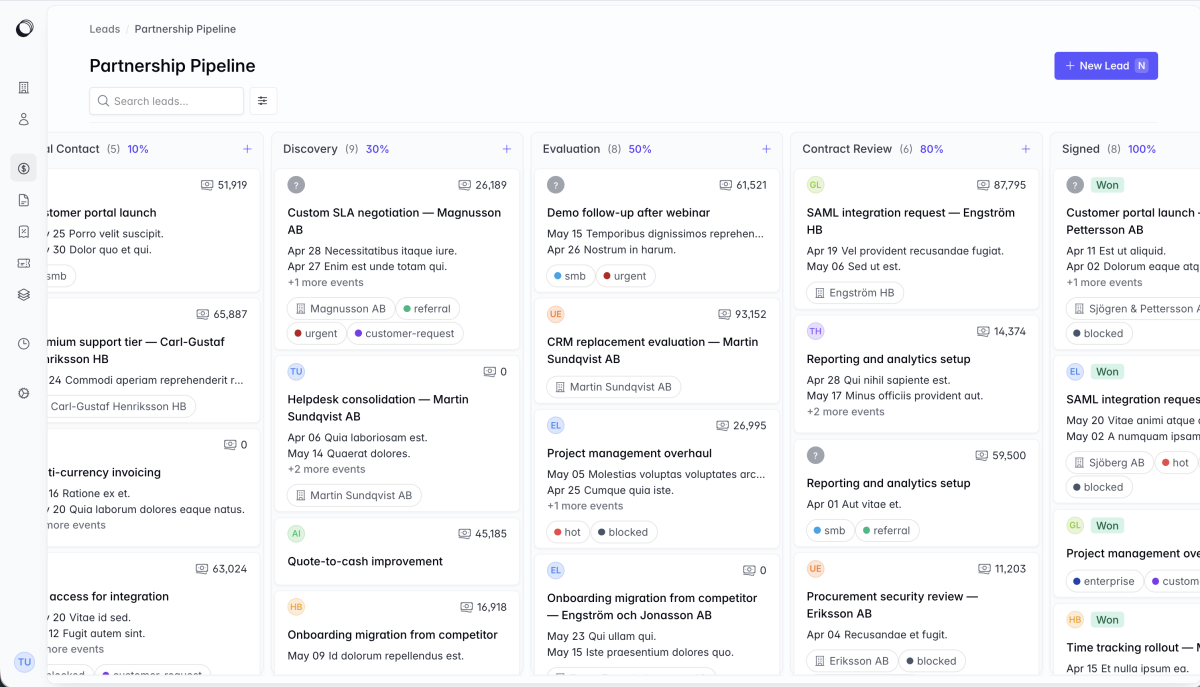
One workspace for the entire client lifecycle.
Corker connects the work — so a lead becomes a project, logged hours become an invoice, and a support request never loses its history.
Pipeline & CRM
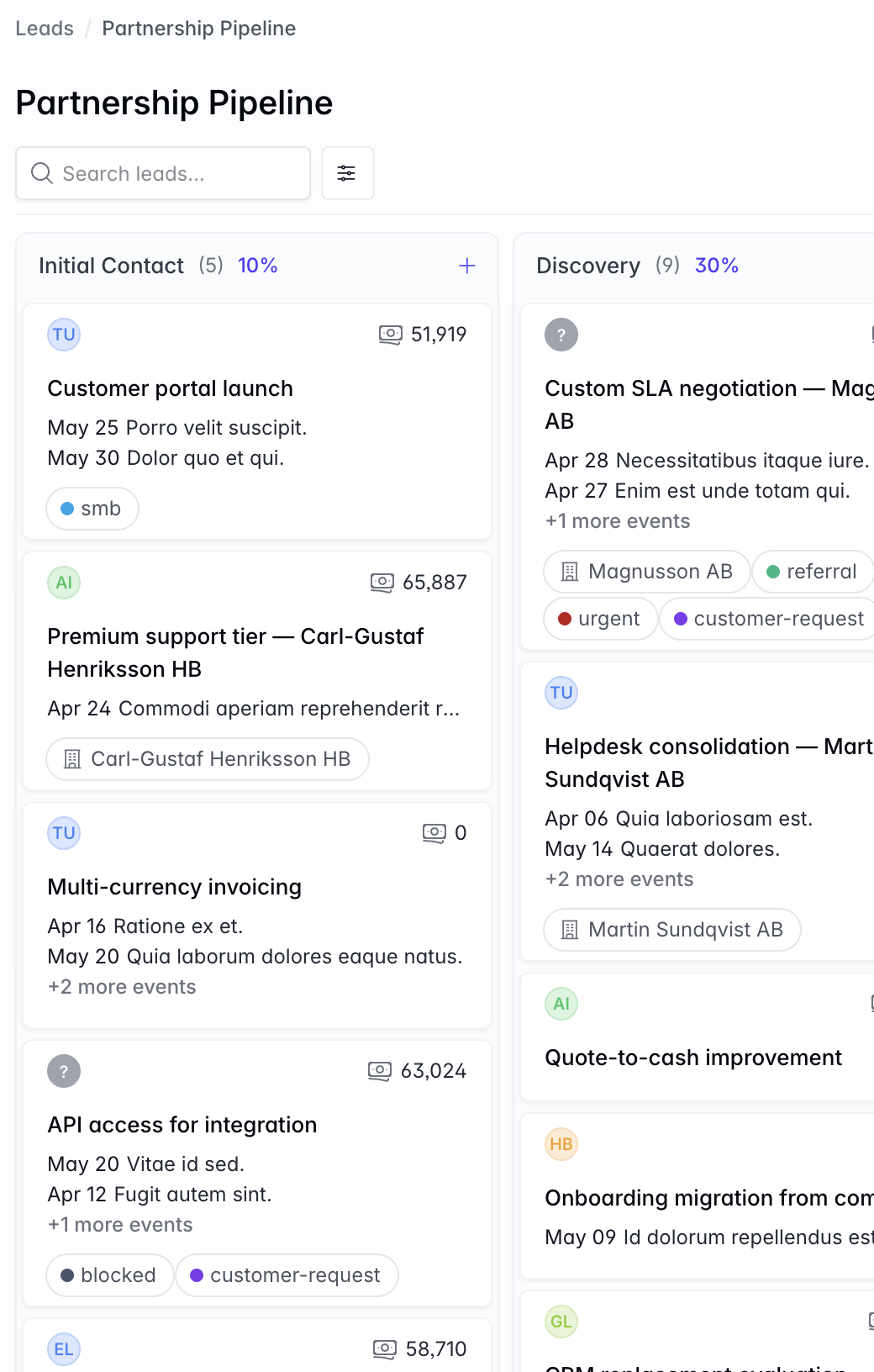
See every opportunity, and move it forward with confidence. Track enquiries on visual lead boards, log every call and email, and always know what a deal is worth. When you win, turn the lead into a live project in one click — no re-typing the brief.
- Kanban lead boards with drag-and-drop stages
- Deal value, owner, tags, and a full activity timeline
- Calls, emails, and meetings logged against each lead
- Convert a won lead straight into a project
Projects & delivery
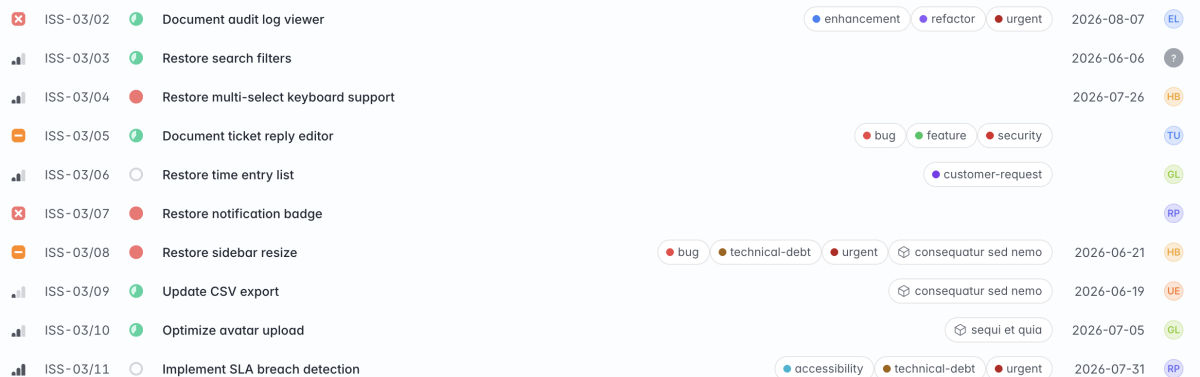
Keep delivery organised, whatever the contract. Run fixed-price, time-and-material, retainer, or internal projects with the structure each one needs. Break work into issues and epics, assign owners, set priorities and deadlines, and track progress on a board or a list.
- Issues and epics with statuses, priorities, estimates, subtasks, and roll-up progress
- Board and list views for every project
- Managers, participants, and observers
- Cost centers, accounting codes, and categories built in
Time tracking
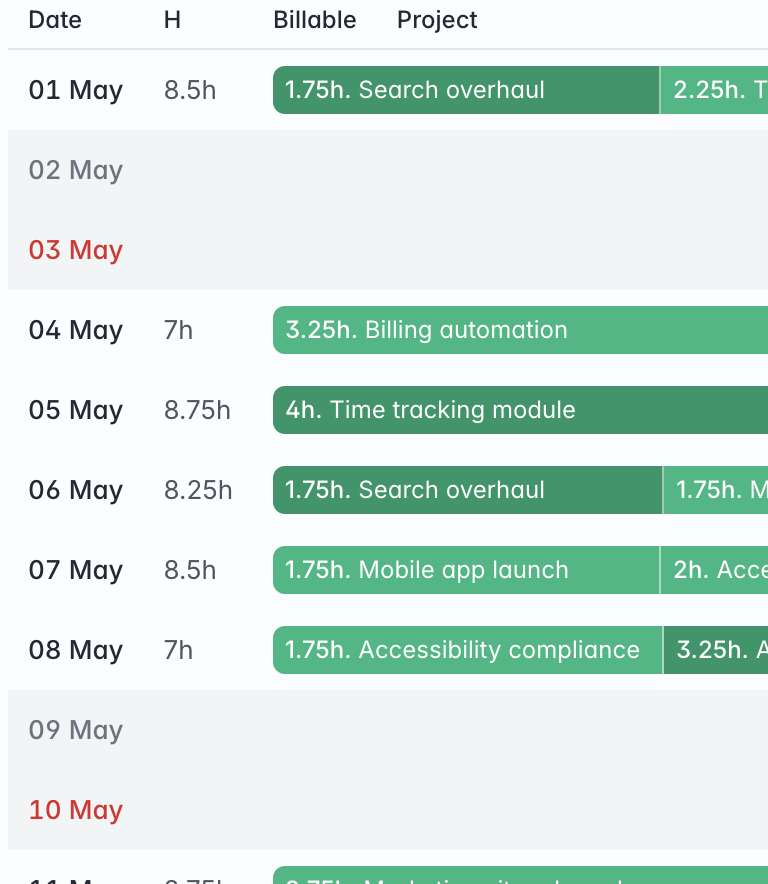
Capture every billable hour — and turn it into revenue. Log time against issues and projects from a calendar or timeline view, then pull unbilled hours straight onto an invoice — so time-and-material work is ready to bill.
- Month, week, and day views
- Time logged against the actual work
- Unbilled hours added to an invoice in a click
Support & SLAs
Answer clients fast — and prove it. Work every request from one shared queue, with SLA targets per client that keep response and resolution times honest and flag breaches before they become problems. Two pieces arrive when Corker launches: email in, ticket out — forward or CC an address and Corker files a routed, threaded ticket by itself — and a public portal where clients submit and follow their own requests.
- Inbound email turned into routed tickets automatically — at launch
- Email, web, and API tickets in one shared queue
- Public submit-and-track portal for clients — at launch
- SLA policies per client, with automatic breach checks
- Canned responses and bulk actions to move faster
- Link a ticket to the issue that resolves it
Quotes & invoicing
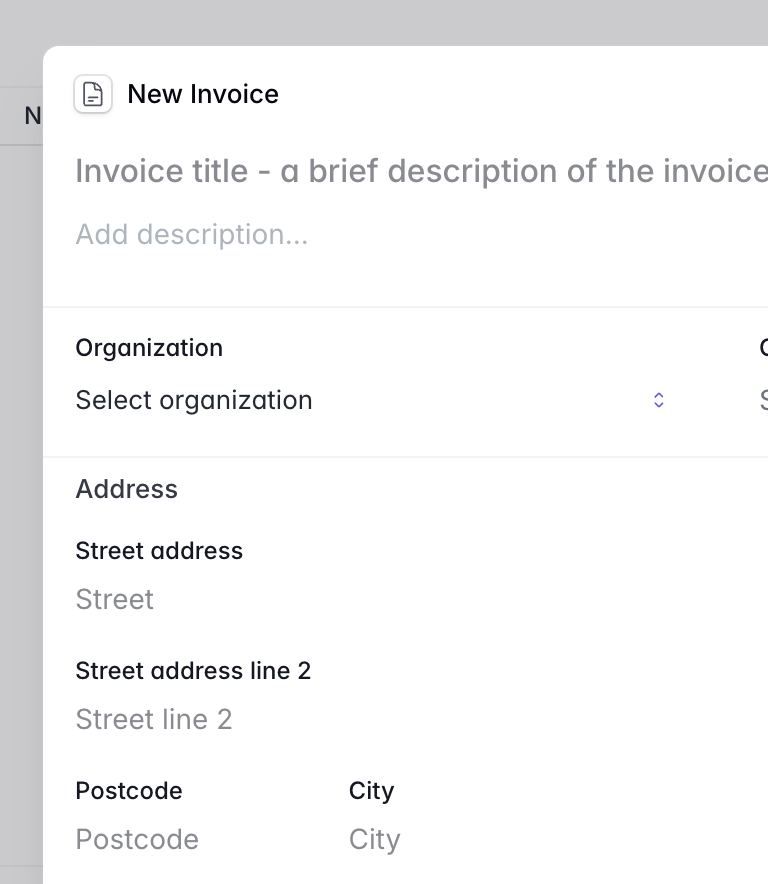
From quote to paid, without leaving the platform. Build quotes with line items, discounts, and tax, send them as branded PDFs, and convert the accepted ones into invoices automatically. Quote in any currency, and track exactly what's sent, paid, and overdue.
- Multi-currency quotes with revisions, duplication, and accept/decline tracking
- One-click quote → invoice, or add unbilled hours to an invoice
- Credit notes, voids, and full payment status
- Tax rates, discounts, and automatic numbering
- Terms and documents attached automatically
Clients
Every client, contact, and conversation in one record. Keep organisations and the people inside them in a single directory — with addresses, VAT details, and parent/child company structures. Give the right contacts portal access to their own tickets, quotes, and invoices.
- Organisations with parent/child relationships
- Contacts with optional self-service portal access
- Leads, projects, tickets, and invoices all linked to the client
Branding & localisation
Your logo, colours, currencies, and locale across the workspace and client-facing documents.
Tags, custom fields, and custom views
Organise with tags, and keep teams aligned with threaded comments, @mentions, and reactions.
Notifications
Stay on top of tickets, issues, mentions, and project activity — without living in your inbox.
Activity & audit history
A full record of what changed, when, and by whom — across the platform.
Role-based access control
Two-factor authentication
Multi-team workspaces
Audit trails across the platform
It's all connected
Most tools handle one slice of the work and leave you to stitch the rest together by hand. Corker doesn't. Every stage of a client relationship lives on the same record, so context follows the work instead of getting lost between apps.
Win a lead and it becomes a project. Log hours and they drop onto an invoice. Answer a ticket and it stays tied to the account that raised it — nothing re-keyed, nothing slipping through the cracks, and everyone working from the full picture.
Built for smart working teams that sell, deliver, and support.
Agencies & studios
Win projects, deliver them, and bill without the handoffs.
Consultancies
Pipeline to project to invoice, with the hours that justify it.
Accountants & professional firms
Clients, work, and billing under one roof.
Contractors & small teams
Quote, deliver, and get paid without the tool sprawl.
Up and running quickly.
Corker is in private beta, so access arrives by invitation. When yours does, a guided onboarding wizard walks you through inviting your team, setting your defaults, and adding your first clients — so your first hour is spent working in Corker, not configuring it.
The questions you were about to ask.
Do I need separate tools for support and billing?
No — ticketing, SLAs, quotes, and invoices all live in Corker, sharing the same client records.
Can clients see their own tickets and invoices?
At launch. The client portal, where contacts submit and track their own requests and view their documents, ships when Corker launches.
Can I control who sees what?
Yes — role-based permissions, plus participants on each project.
Can I run multiple teams or brands?
Yes — multi-team workspaces with quick switching.
How do I get started?
Request early access. When your invite arrives, a six-step wizard sets up your workspace and your team.
Ready to bring it all into one place?
Corker is in private beta. Join the waitlist and we will be in touch when your invite is ready.
© 2026 Corker. In private beta.